Trillo
Trillo is a web application for organising tasks on a kanban board. Tasks can be grouped into columns, moved by dragging and given priorities and due dates. The interface is designed for quick planning and keeping track of work.
- Technologies
- Next.jsTailwind CSS
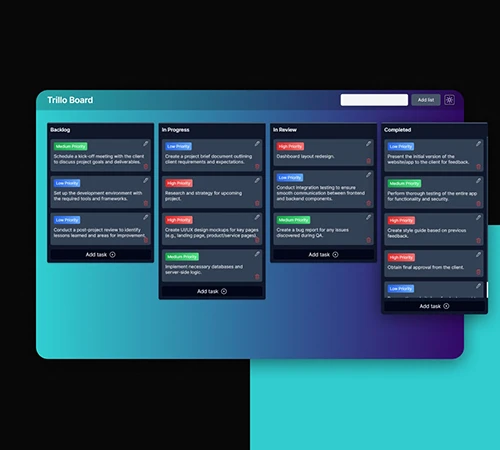
Planning on a kanban board
Trillo presents tasks in columns representing different stages of work. Instead of one long list, tasks can be separated into work waiting to start, work in progress, items under review and completed tasks.
We developed an interface where most everyday actions happen directly on the board. Adding a task, changing its priority and moving a card do not require opening another page.
Columns that follow the workflow
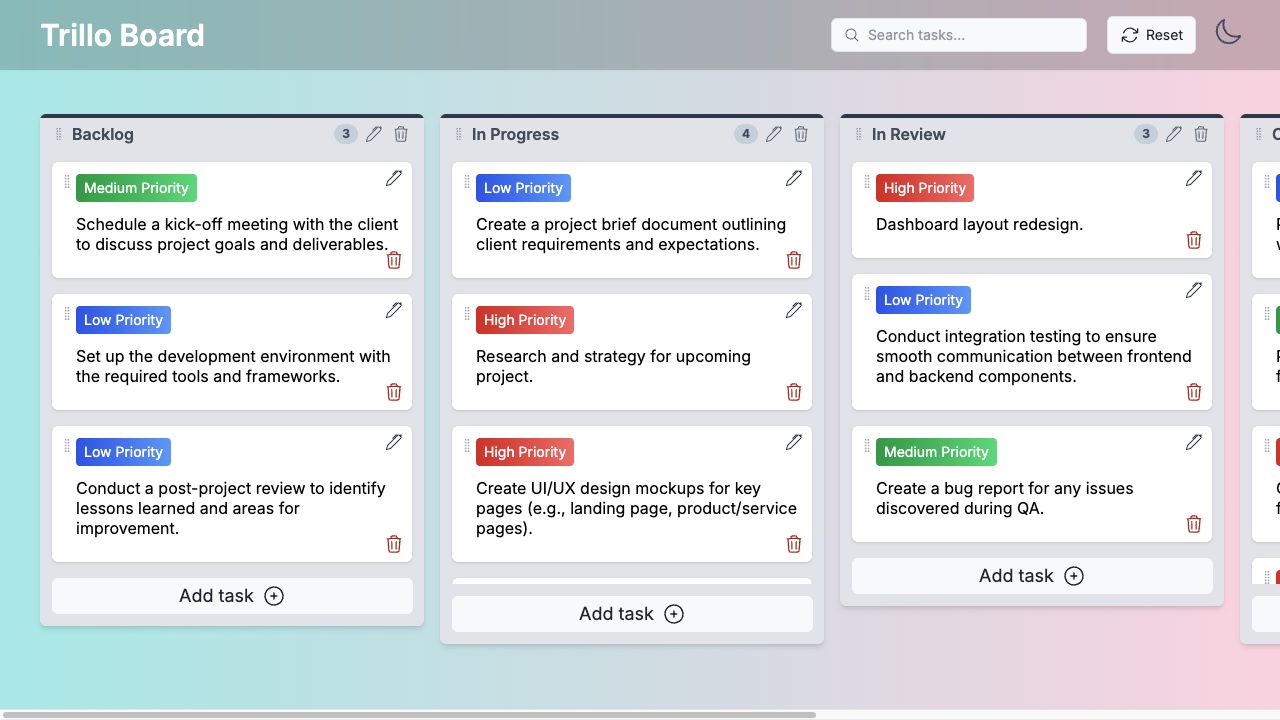
The board title and column names can be edited, and new columns added as needed. Dragging changes the order of columns and moves tasks within a column or between stages.
Each column shows its task count and has an entry point for adding a card. Empty columns still make it clear where a new task belongs.
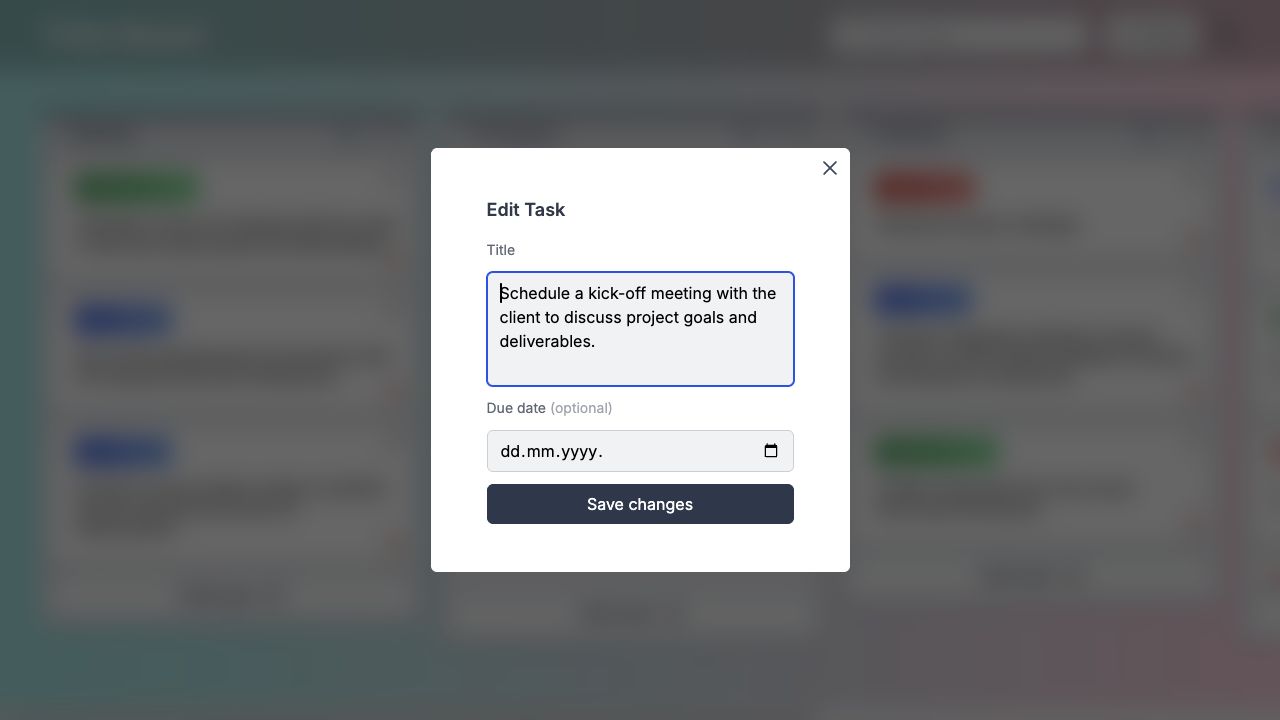
Editing tasks
Tasks are edited in a window above the board, keeping the surrounding layout visible. A due date can be added alongside the title, while priority changes happen directly on the card. Overdue dates are highlighted.
Deleting tasks and columns requires confirmation. Windows can also be closed from the keyboard, with focus moved to the field being edited so typing can begin immediately.
Search and priorities
Search works across all columns and visually highlights matching tasks. This helps locate a card even when its current stage or last position is unknown.
Priority labels use both colour and text. They can be changed directly on a card, allowing priorities to be adjusted without opening an additional form.
Application development
Trillo includes a frontend, backend and database. The interface is built with Next.js, React and Tailwind CSS, with hello-pangea/dnd handling drag and drop for tasks and columns.
Tasks, priorities, due dates and column order are stored in the database. The backend handles creating, editing and deleting records, while changes appear directly on the board without leaving the page.