Analytix
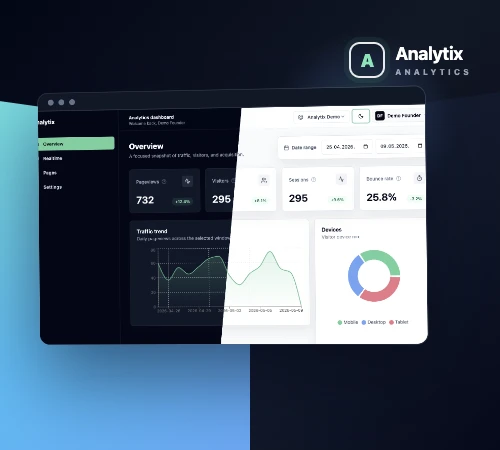
Analytix is an application for tracking website traffic and activity. It brings together visitor numbers, popular pages, traffic sources and device breakdowns. Reports can be filtered by website and date range.
- Technologies
- LaravelReactDockerPostgreSQLTypeScriptTailwind CSSZustand
Analytics for multiple websites
When checking website analytics, the main questions are usually straightforward: how many people visit, what they look at and how they found the site. We built Analytix to make those figures easy to check without digging through a long list of reports.
The application supports multiple websites. Users select a site and date range, and the reports follow that selection. The same navigation connects the overall statistics, individual page reports and current activity.
Traffic overview
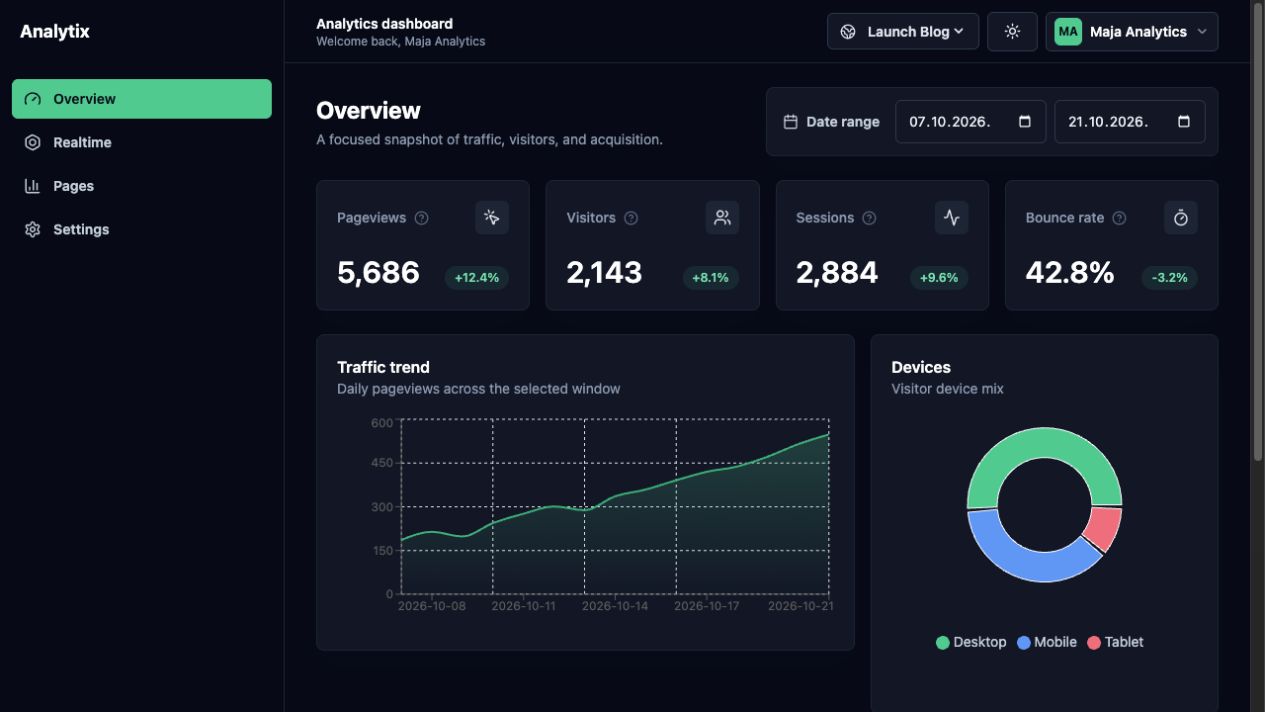
The overview highlights pageviews, visitors, sessions and bounce rate. Changes against the previous period appear alongside the totals, making increases and decreases easy to spot.
A chart shows daily traffic, with device breakdowns and traffic sources presented separately. Short definitions explain the difference between visitors, sessions and pageviews.
Individual page reports
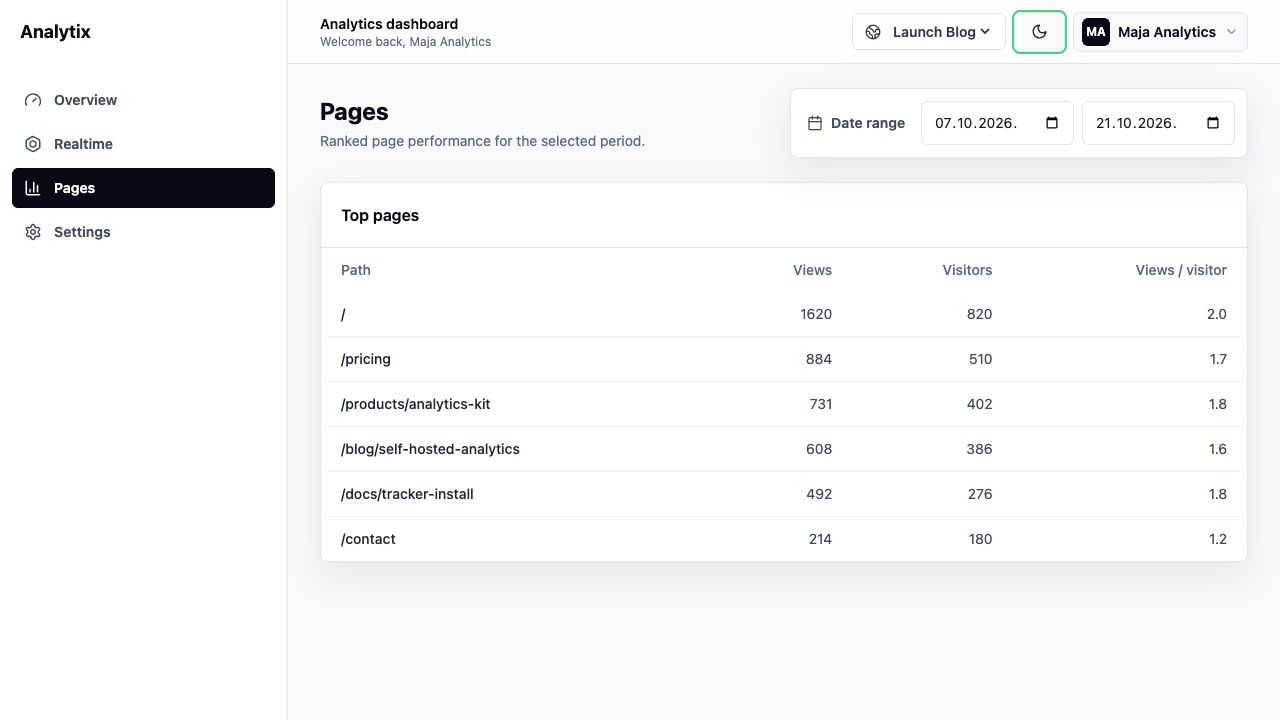
For each page, the report shows pageviews, visitors and average views per visitor.
The table shows which pages are opened most often and how traffic is distributed across the site. It uses the same website and date filters as the overview, so the reports can be read together.
Collecting website activity
Tracking is connected to a website through a JavaScript script and a unique site identifier. The script records pageviews, referrers, screen size, browser and device category. It also tracks navigation in applications that change pages without reloading the whole document.
The Laravel API processes incoming events and links them to the appropriate website and session. Records are stored in PostgreSQL and used to build the application’s reports.
Application development
Analytix has a Laravel backend and a separate React interface written in TypeScript. Data is retrieved through an API, while Zustand manages website selection, filters and interface preferences. Docker brings the application and database together for local development.
The interface includes light and dark themes, responsive navigation and layouts for smaller screens. Charts, tables and filters follow the same conventions across reports.